
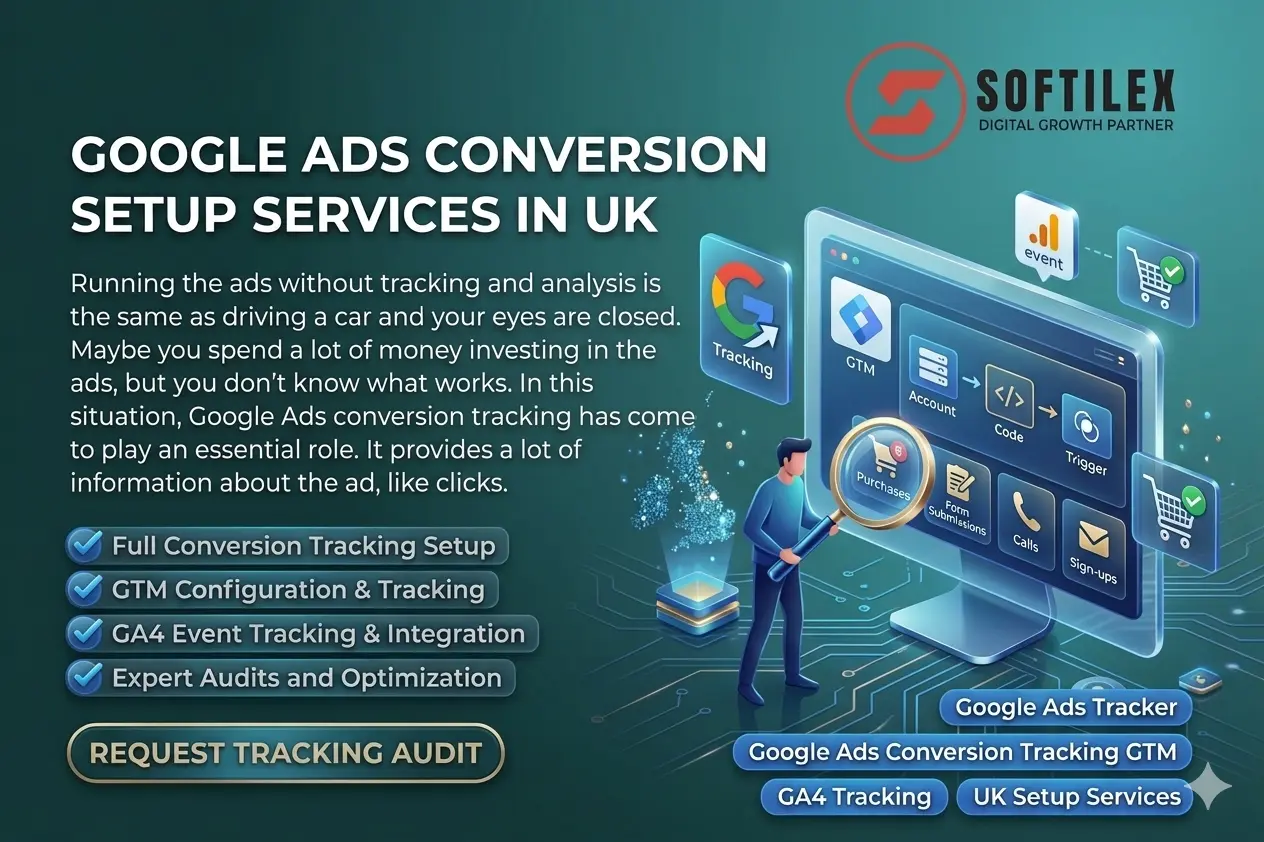
Running the ads without tracking and analysis is the same as driving a car and your eyes are closed. Maybe you spend a lot of money investing in the ads, but you don’t know what works. In this situation Google Ads conversion tracking has come to play an essential role. It provides a lot of information about the ad like clicks, impressions, purchases, form submissions, calls, or sign-ups. In this guide, we’ll walk you through everything about the google ads conversion tracking setup services in a simple and very easy way.
What is Google Ads Conversion Tracking?
Google Ads conversion tracking provides measures to measure the actions of the ads and you can use this information and take the decision about the business. These actions are called conversions and some example are:
- A customer buys a product
- Someone fills out a contact form
- A user calls your business
- A visitor signs up for a newsletter
Why Conversion Tracking Matters for UK Businesses
If you’re running ads in the UK, the competition is very high and every click increases your ad cost. For this reason conversion tracking Google Ads is not optional anymore.
- Track real ROI (Return on Investment)
- Identify high-performing campaigns
- Reduce wasted ad spend
- Improve targeting and bidding
- Scale what actually works
Google Tag Manager: The Backbone of Tracking
Setting up tracking manually is very difficult and messy, but Google Tag Manager (GTM) comes in and provides an ease for the setup.
What is Google Tag Manager?
Google Tag Manager is a free tool that helps you manage tracking codes without editing your website code again and again.
Why Use Google Tag Manager?
- Easy to manage multiple tags
- Faster implementation
- No need to depend on developers
- Clean and organized tracking setup
Google Tag Manager Setup (Simple Overview)
A proper Google Tag Manager setup is consists of these steps:
- Creating a GTM account
- Installing GTM code on your website
- Setting up tags (Google Ads, GA4, etc.)
- Creating triggers (when tracking should fire)
- Testing before publishing
A professional Google Tag Manager consultant must follow these steps and make sure everything works perfectly without any errors.
Google Tag Manager Tracking: What Can You Track?
Using the Google Tag Manager (GTM) tracking, you can track almost anything like:
- Button clicks
- Form submissions
- Scroll depth
- Video views
- Page visits
- E-commerce actions
Google Analytics 4 (GA4) and Conversion Tracking
Right now, everything is tracked through Google Analytics 4 (GA4), this is widely used in this domain.
What is GA4?
Google Analytics 4 is the latest version of analytics and it focuses on events instead of sessions.
Why is GA4 Important?
Better tracking across devices
Event-based data model
More accurate reporting
Future-proof tracking
GA4 Setup and Event Tracking
A proper GA4 setup is critical for accurate data and you can follow these steps for setting up the tracking.
Key Steps:
- Create GA4 property
- Add tracking via GTM
- Configure events
- Mark key events as conversions
GA4 Event Tracking Examples:
- Button clicks
- Add to cart
- Checkout steps
- Form submissions
This is called GA4 event tracking, and it connects directly with your ad performance.
Conversion Tracking in Google Analytics
You can also track conversions inside analytics using conversion tracking Google Analytics.
The analytics tools helps you:
- Understand user journeys
- Analyze behavior before conversion
- Improve funnel performance
- When combined with Google Ads, it becomes powerful.
Why You Need a Google Tag Manager Expert
Many businesses try to set this up themselves, but cannot achieve the fruitful results and lose the cost of ads. So in this case A Google Tag Manager expert helps you:
- Avoid tracking errors
- Set up advanced tracking
- Ensure accurate data
- Save time and frustration
Softilex Google Ads Conversion Tracking Services in UK
We provide complete Google Ads conversion tracking setup services in the UK and this is totally according to your business needs.
Our Google Ads Conversion Tracking Services
- Full Google Ads conversion tracking setup
- Google Tag Manager setup and configuration
- Advanced Google Tag Manager tracking
- GA4 setup and event tracking
- Conversion tracking Google Ads & Google Analytics integration
- Website conversion tracking optimization
- Ongoing support and audits
Conclusion
Running the ads without the tracking is just a waste of money and time. So, hire the professional google ads manager expert which handles everything about your ads. If you want real results, start with proper tracking you can contact softilex for professional services.